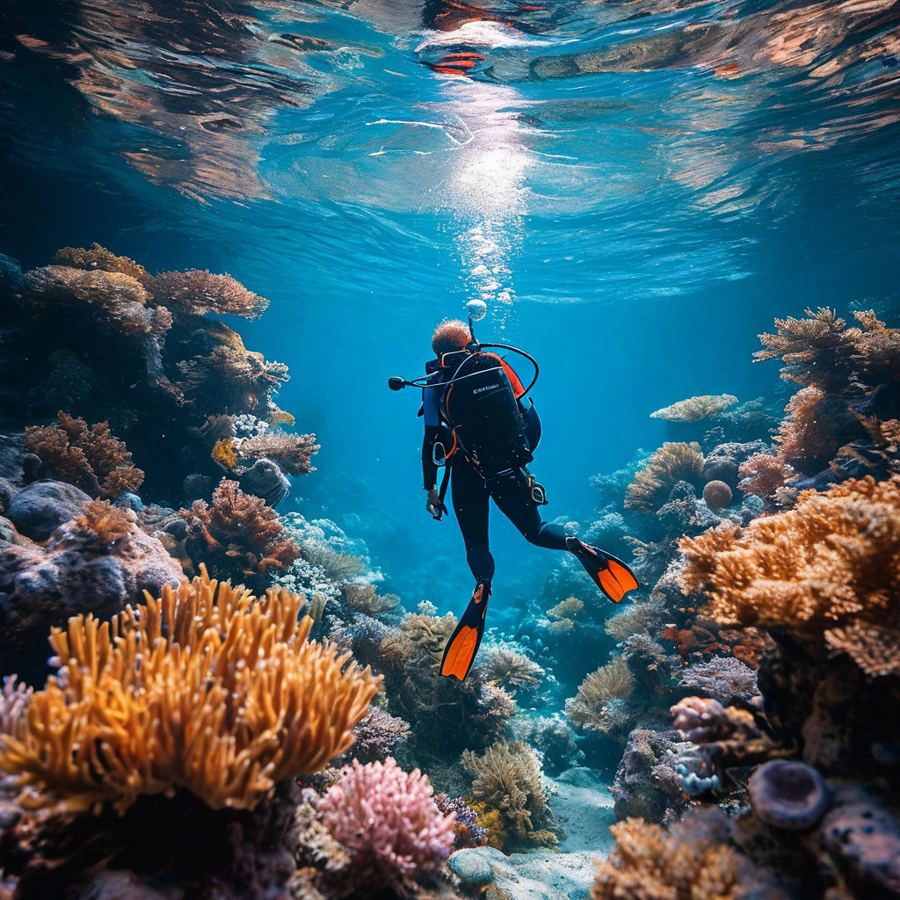
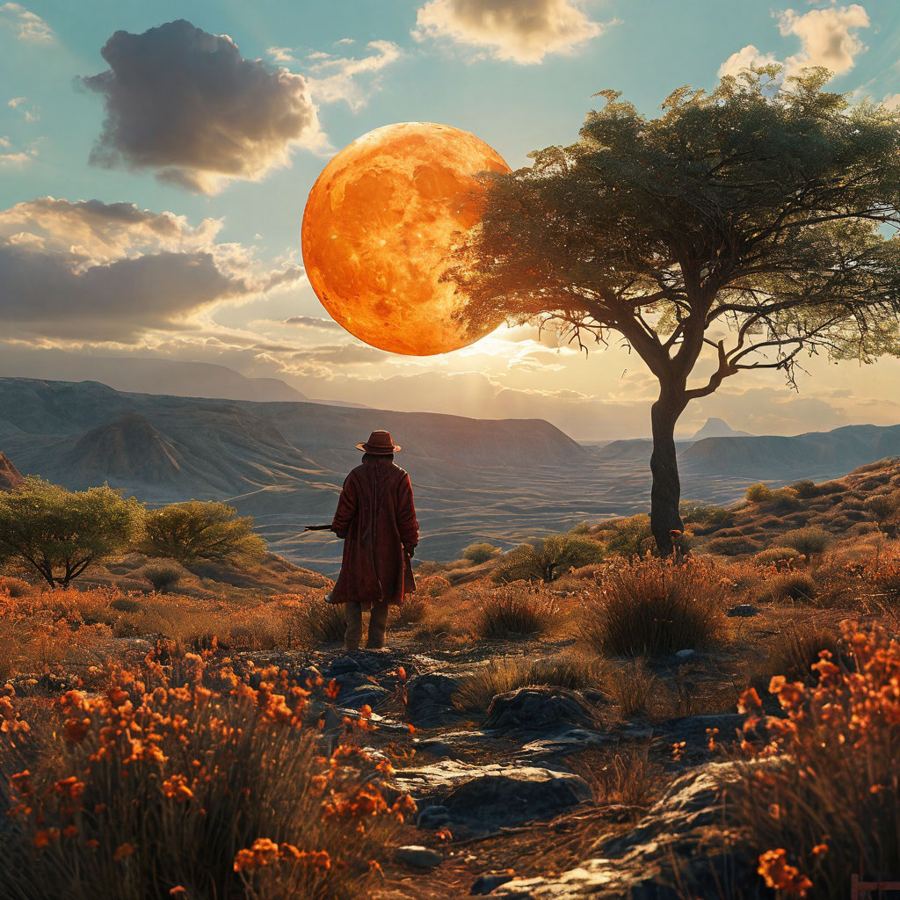
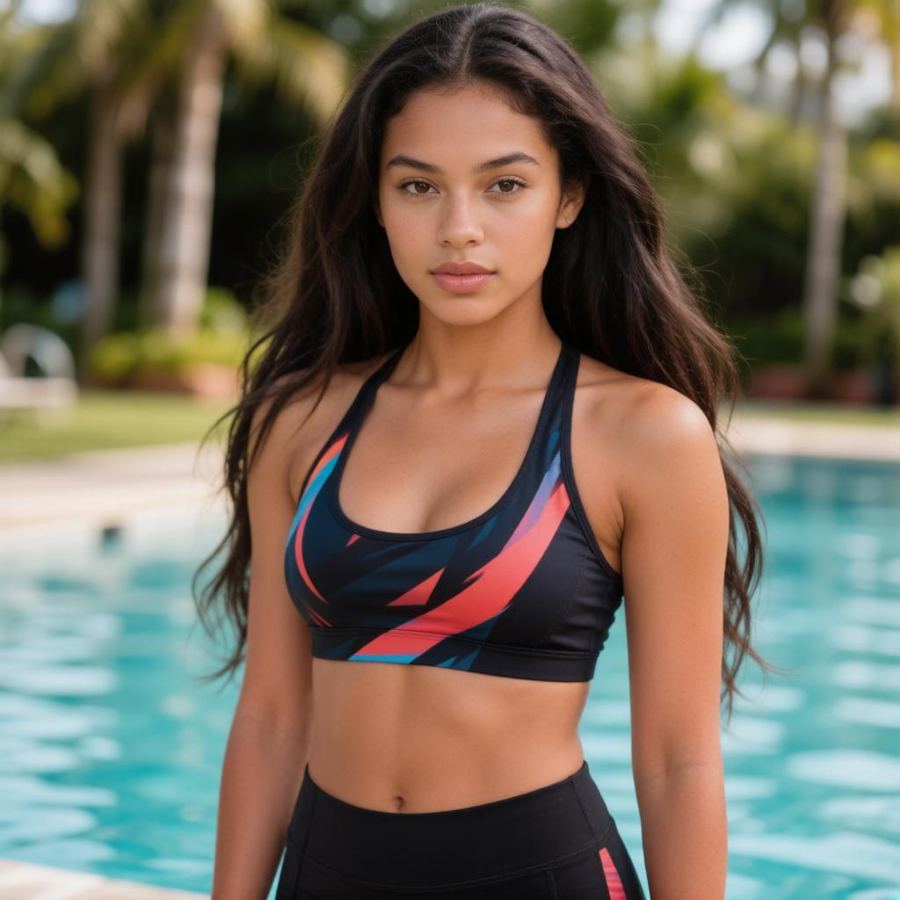
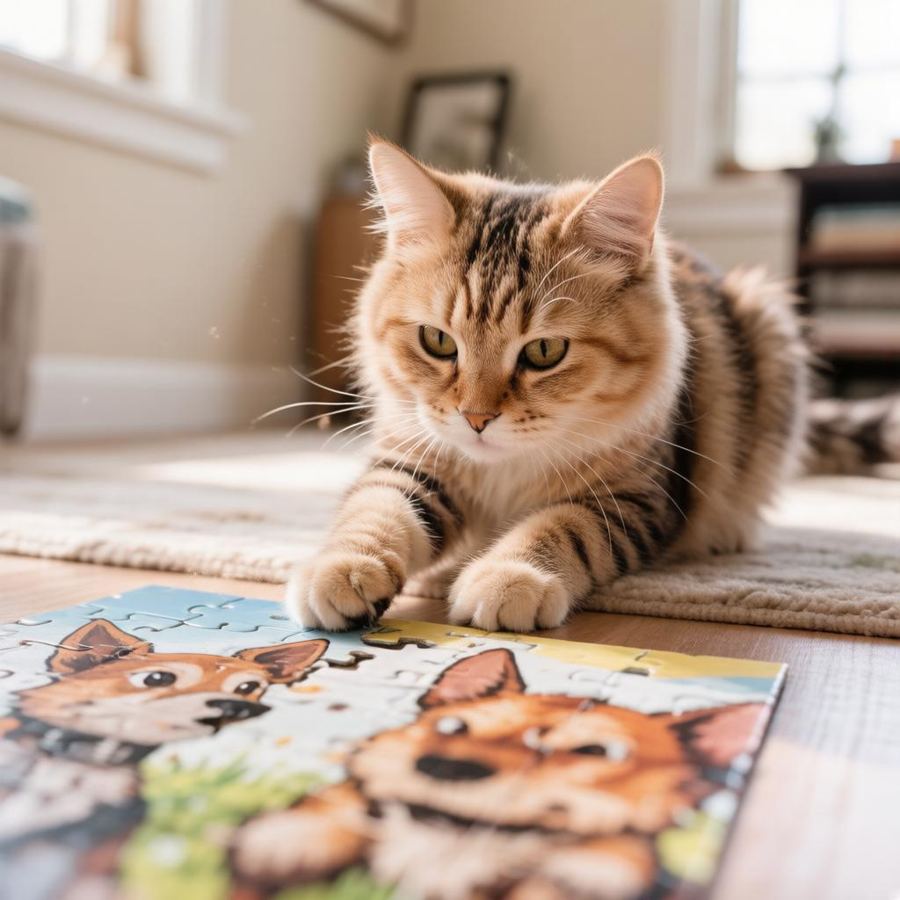
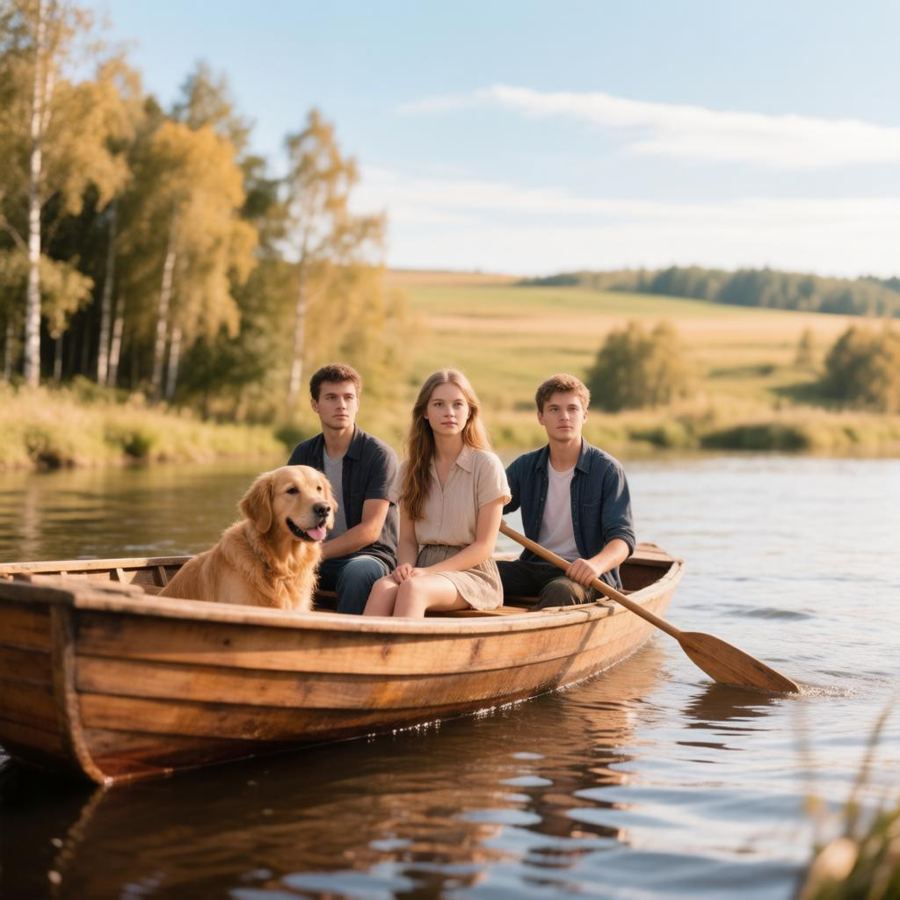
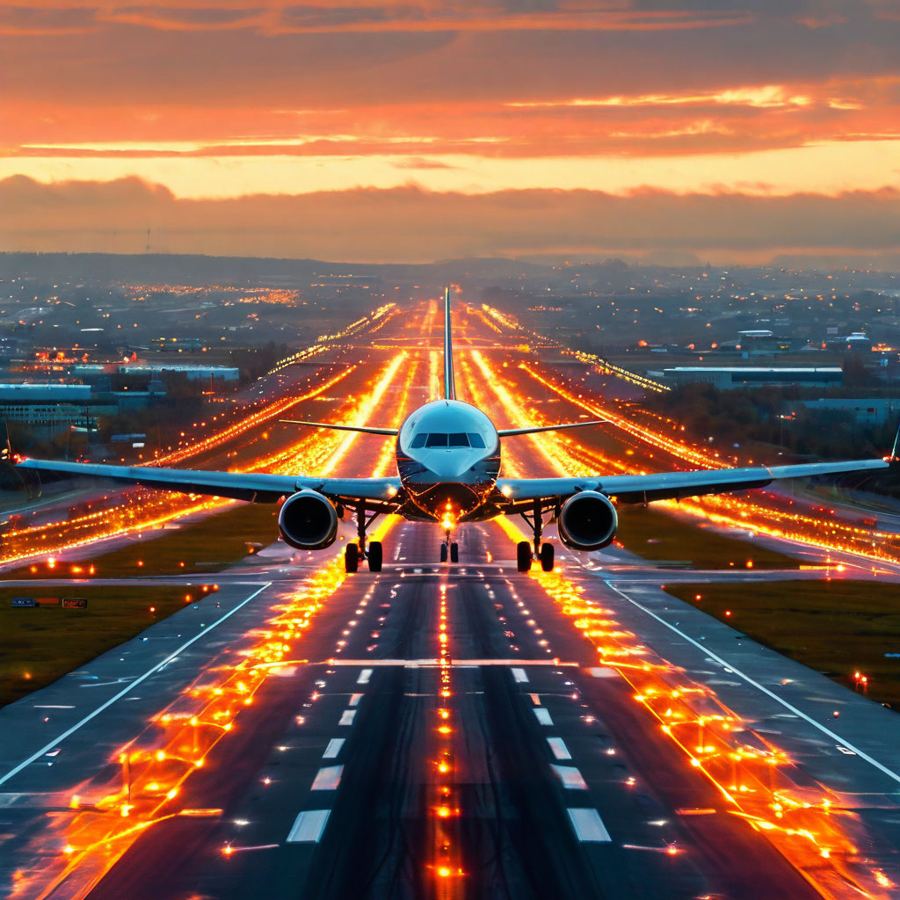
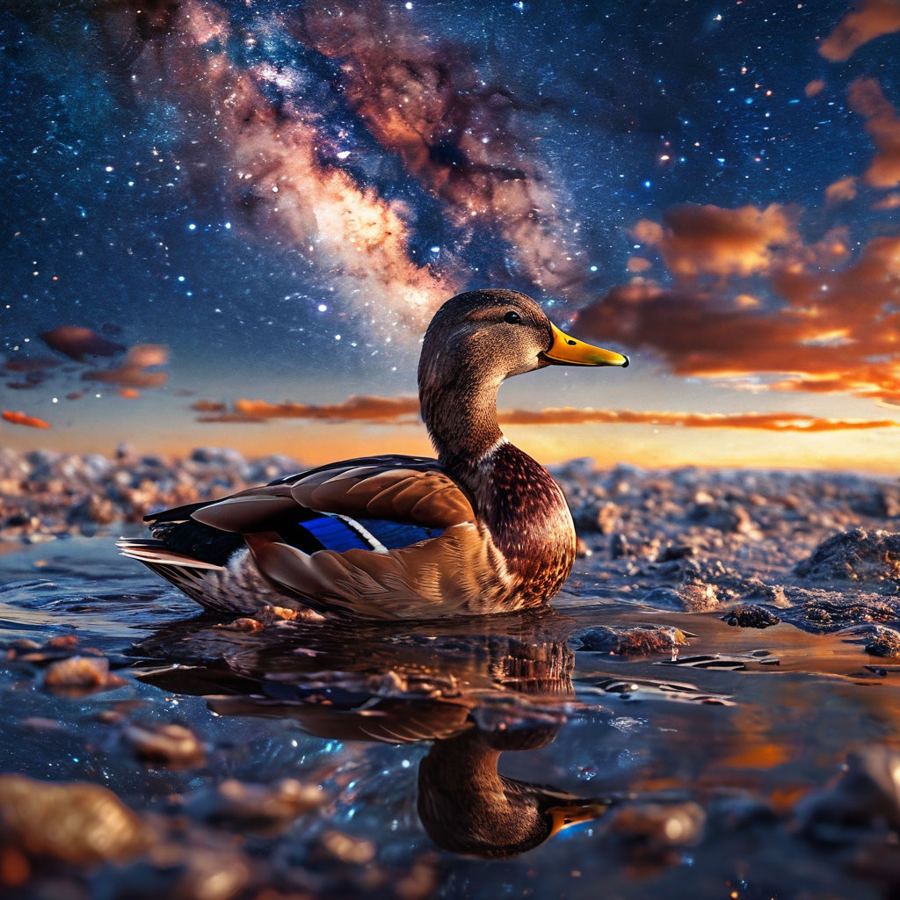
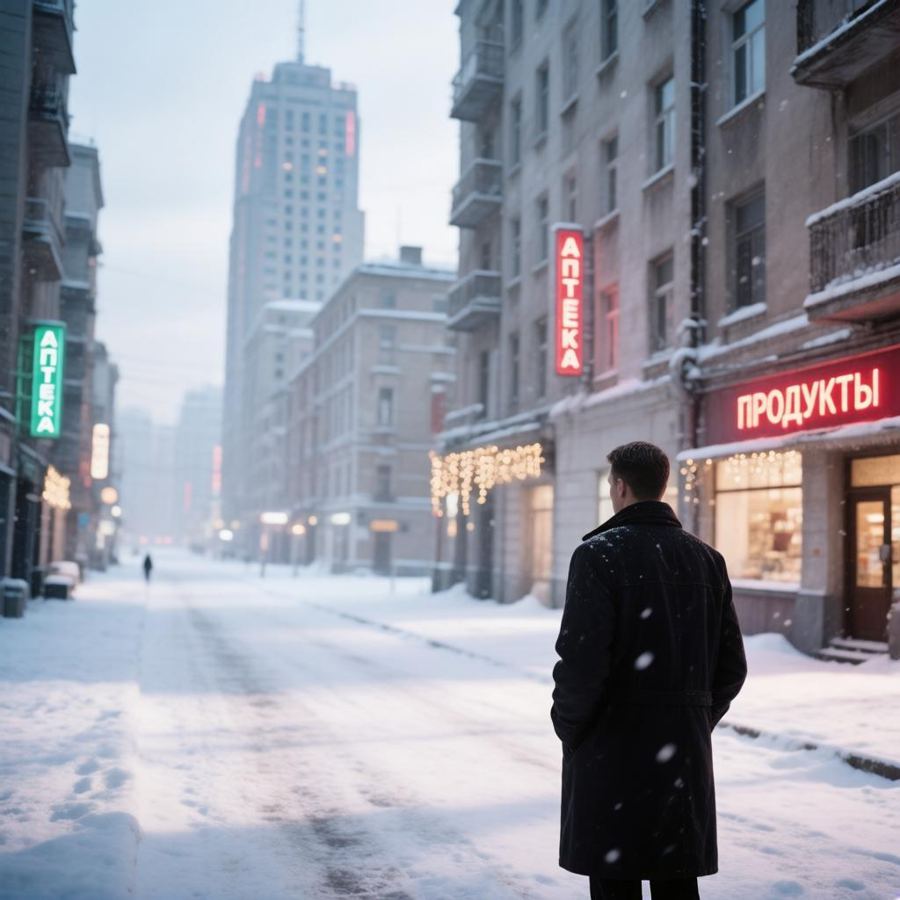
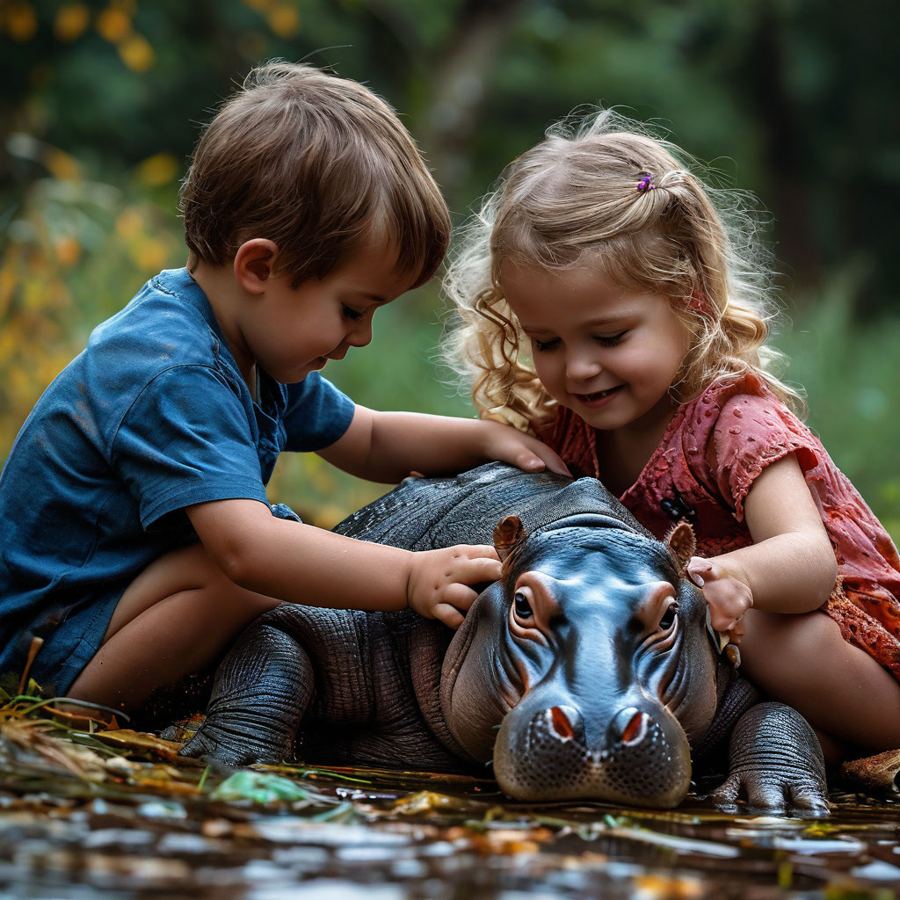
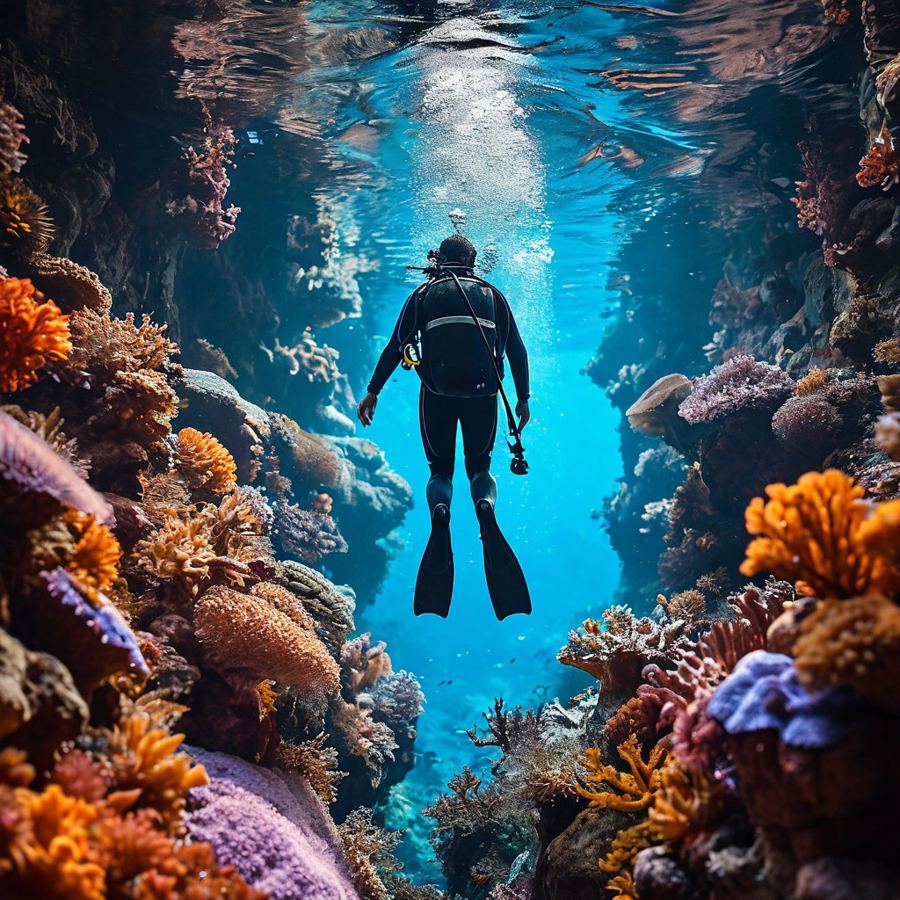
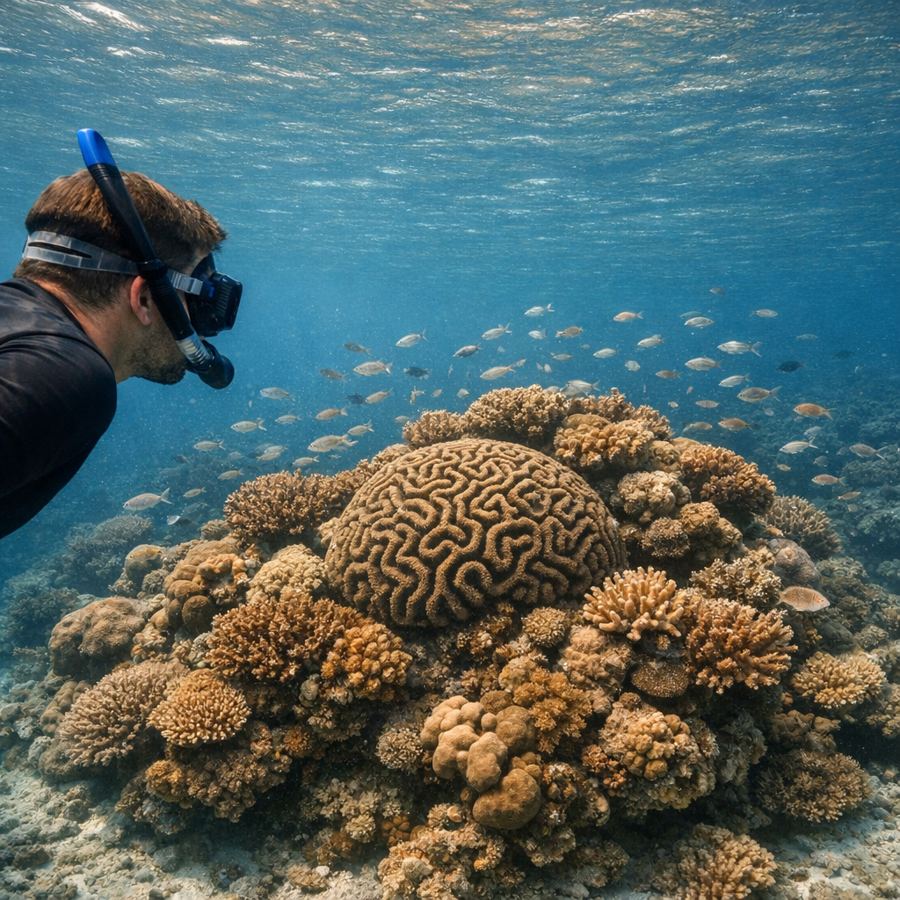
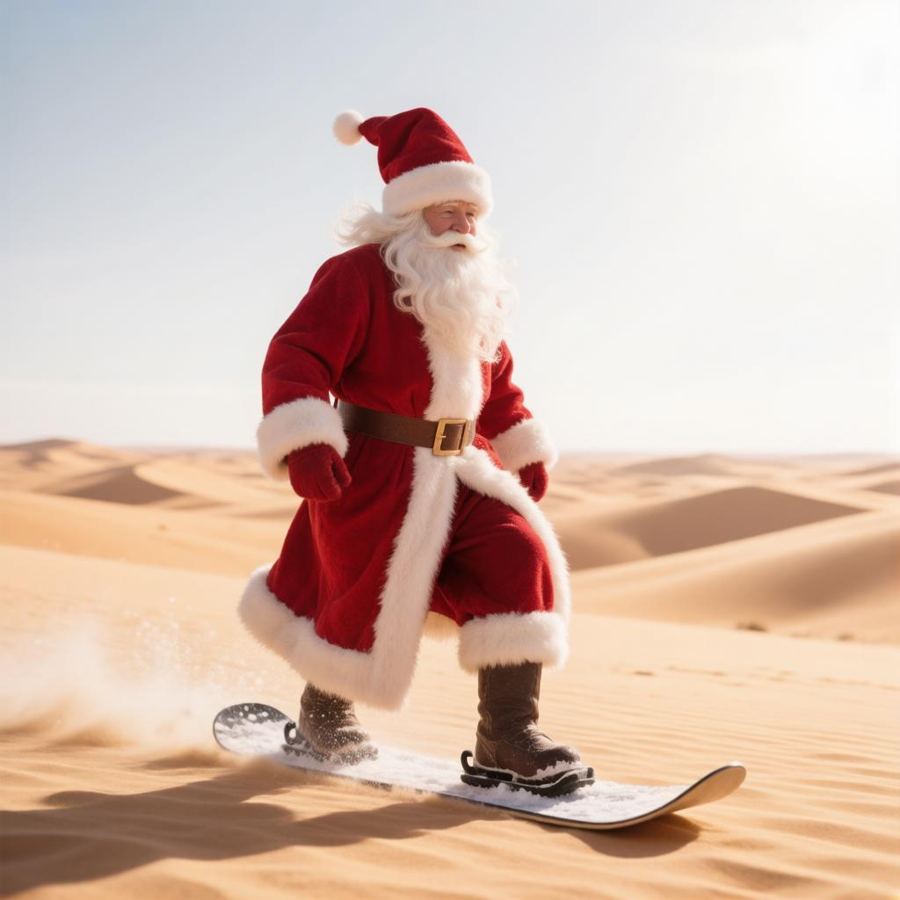

Images from a text prompt
Describe what you want to see and pick a style — the AI will create an image for your article, product listing, social media or ads.
 Painting
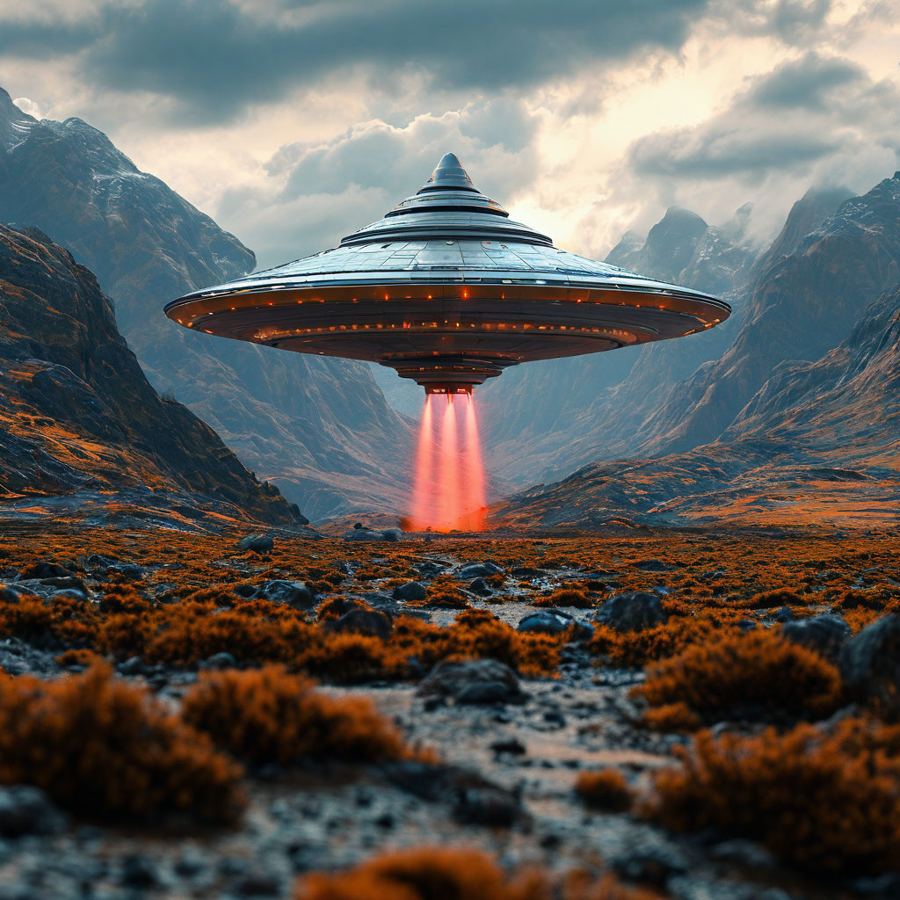 Concept art
What our users create
Three steps to a finished image
Describe the image
Write what the picture should show: the subject, the setting, the mood. A single sentence is enough.
Adjust the settings
Choose the style, lighting, angle, composition, size and number of images — or keep the defaults.
Download the result
Finished images are saved in your dashboard, where you can view them full size and download them.
Control every detail
A prompt plus nine settings — so you get exactly the image you have in mind.
Images for any task
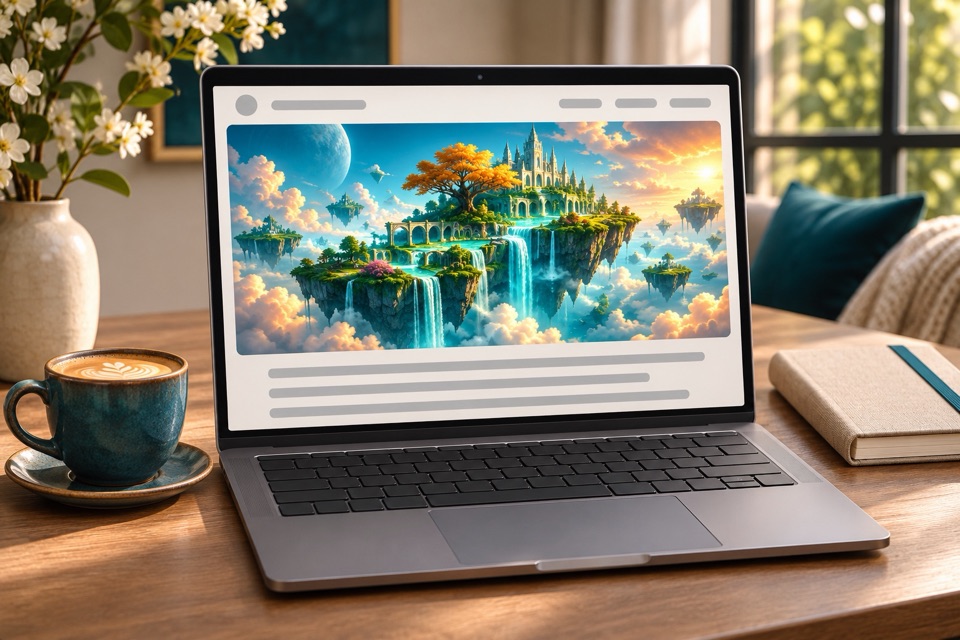
Article illustrations
A unique cover and in-text images instead of stock photos.
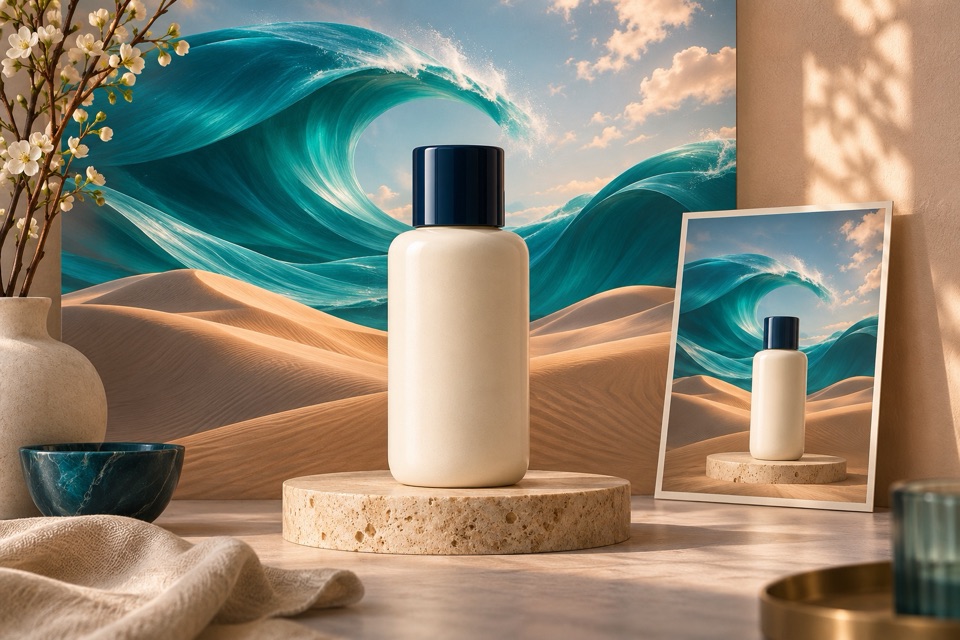
Product listings and ads
Backgrounds, scenes and visuals for ads and banners.
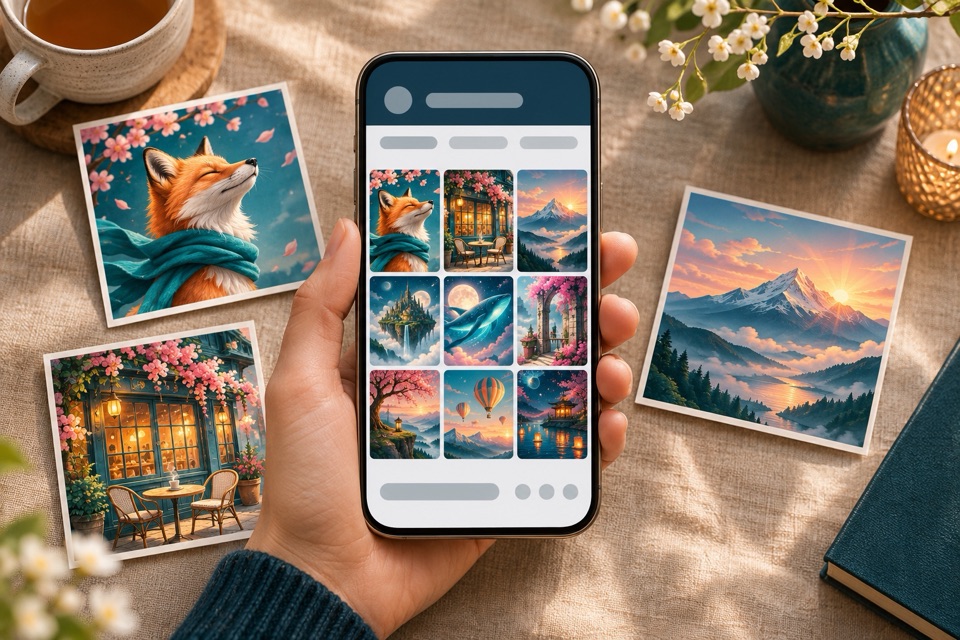
Social media and blogs
Eye-catching images for your posts in a consistent style.
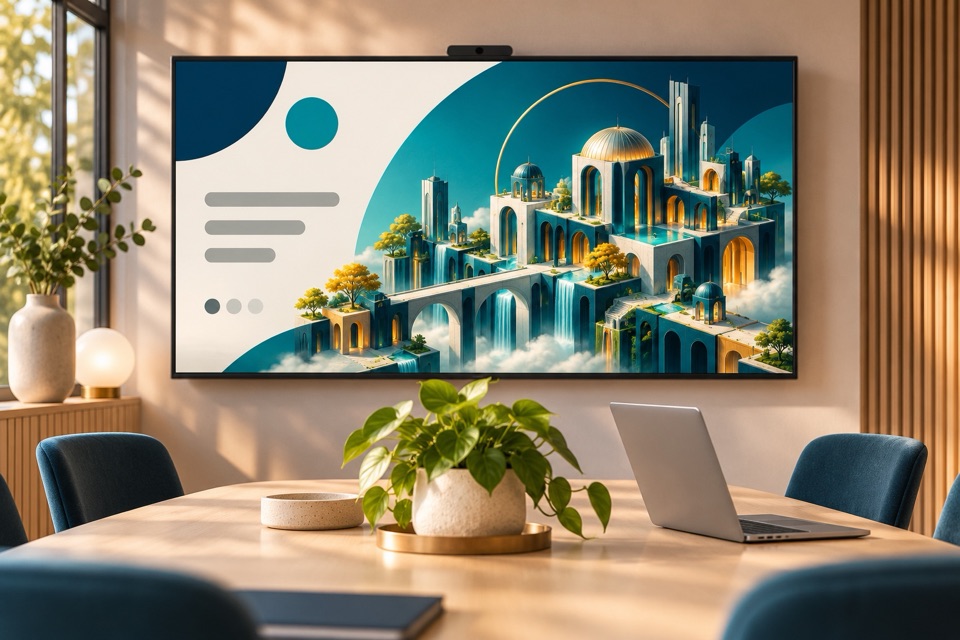
Presentations and websites
On-topic images for slides and landing pages.
from $0.11 per image
Pay with credits from a single balance — the same credits work for text generation, video generation and transcription. The bigger the pack, the lower the price per generation.
All plans and calculatorTry the tools after signing up
Image generation FAQ
Yes. We claim no rights to the results — you can use the images as you see fit, including for commercial purposes. Before publishing, make sure an image doesn't infringe anyone else's rights, such as a trademark or a person's likeness. See the Terms of use for details.
From 1 to 5 — you choose the number in the form. Credits are charged for each image.
Square 1024×1024, landscape 1536×1024 and portrait 1024×1536.
Change the prompt or settings and run the generation again: the more detailed the prompt, the more accurate the result. If a generation fails due to an error, its credits are refunded.
No. Your work is visible only to you. It appears in the site gallery only if you turn on the “Show my images in the site gallery” toggle in your dashboard.
Yes, image generation is available via the API — see the documentation for details.
Describe your first image
Try the free demo or sign up — your starter limits include 3 images.